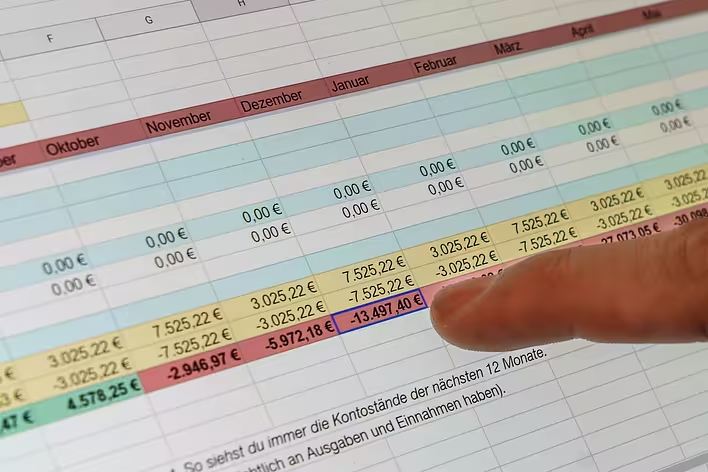
Spreadsheet processors are true assistants in the world of numbers and data. Have you ever wondered what a spreadsheet processor is and what its purpose is? If so, you’ve come to the right place. Let’s explore why this tool has become indispensable for many professionals.
What is a spreadsheet processor?
A spreadsheet processor is a program that allows you to create, edit, and analyze electronic spreadsheets. But what is an electronic spreadsheet? It’s not just a set of rows and columns; it’s a tool for organizing data, where each cell can contain text, a number, or a formula.
Spreadsheet processors provide the ability to perform complex calculations, analyze data, and create graphs. They have become essential for accountants, analysts, managers, and even students. Electronic spreadsheets are flexible tools that can adapt to any needs.
Basics of working with spreadsheet processors
- Interface – usually, a spreadsheet processor has a simple interface with rows and columns. This makes it accessible even for beginners.
- Formulas and functions – one of the main advantages is the ability to use formulas. For example, you can quickly calculate the sum or average of numbers in a column.
- Filters and sorting – these tools help find the necessary information among a large amount of data.
- Graphs and charts – with their help, you can visualize data and make it clearer.
Advantages of spreadsheet processors
- Efficiency – they allow you to automate many routine tasks
- Flexibility – you can customize the spreadsheet to your needs
- Convenience – most programs have an intuitive interface
- Accessibility – there are both paid and free software options
Famous spreadsheet processors
The most well-known spreadsheet processor is Microsoft Excel. It offers a huge number of functions and capabilities for working with data. But there are other options:
- Google Sheets – a free online service that allows you to work with spreadsheets in real-time with other users
- LibreOffice Calc – an alternative for those looking for free open-source software
Practical tips
If you are a beginner with spreadsheet processors, start with simple tasks:
- Create a shopping list or a monthly budget
- Try using basic formulas like
SUMorAVERAGE - Experiment with filters and sorting
Over time, you will be able to expand your skills and use more powerful features.
So, a spreadsheet processor is not just a program, but your reliable assistant in the world of numbers and data. Whether you are an accountant, an analyst, or just want to organize your life, electronic spreadsheets will come in handy. Don’t be afraid to experiment and discover new possibilities of this powerful tool!